How to Write a Product Review on Amazon?
1. How to Write a Review on Amazon via PC
1. Go to Amazon.com and sign into your Amazon account
2. Click “orders”
 3. Find Your Mexitop products and click
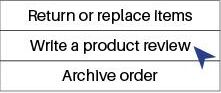
“wirte a poroduct review.”
3. Find Your Mexitop products and click
“wirte a poroduct review.”
or
2. How to Write a Review on Amazon via cell phone
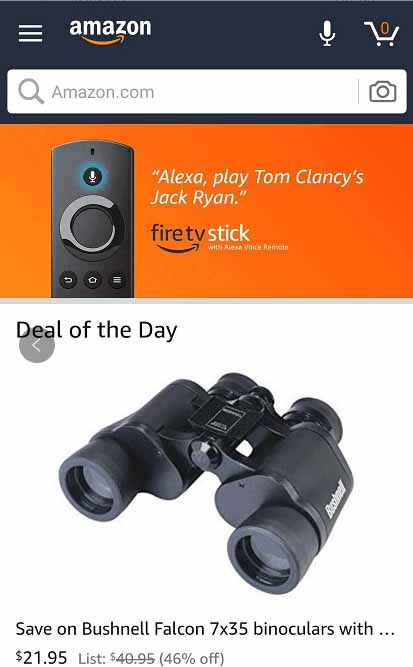
Step 1. Open Amazon from Amazon App or Browser on your phone, then click the menu on the left corner.
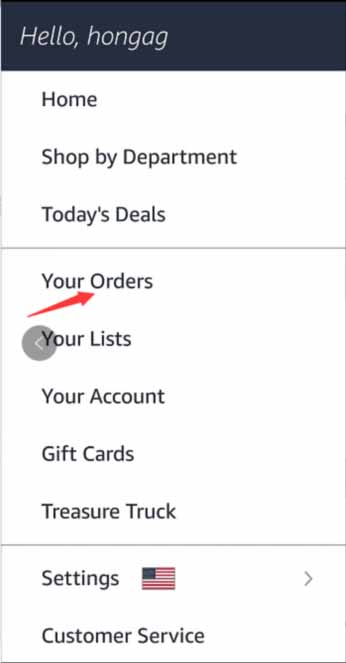
 Step 2. Click "Your Orders"
 Step 3. Find our product your purchased and Click
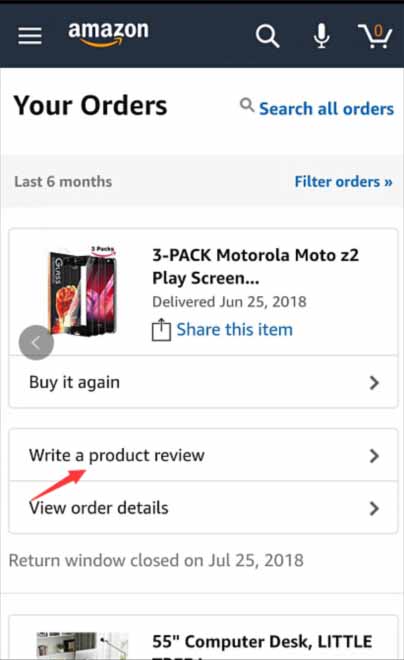
Step 4. Click "Write a product review"
Step 3. Find our product your purchased and Click
Step 4. Click "Write a product review"
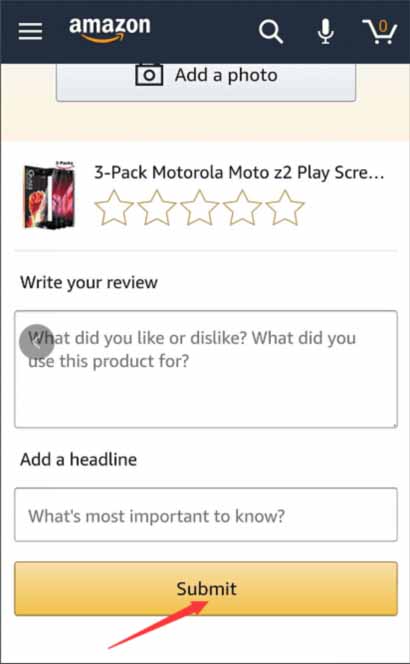
 Step 5. Write a review and click Submit